
AI agent deployment guide
Deploying AI agents can transform your business by automating tasks, speeding up decisions, and reducing costs. These agents act like tireless digital team members, handling complex workflows and learning as they go. Here’s what you need to know:
Key Benefits:
- Efficiency: AI agents save time by automating repetitive tasks.
- Cost Savings: No need for extra hires - AI works 24/7.
- Faster Decisions: Real-time data analysis for quicker responses.
- Scalability: Handle increased workloads without extra resources.
Starter Stack AI Highlights:
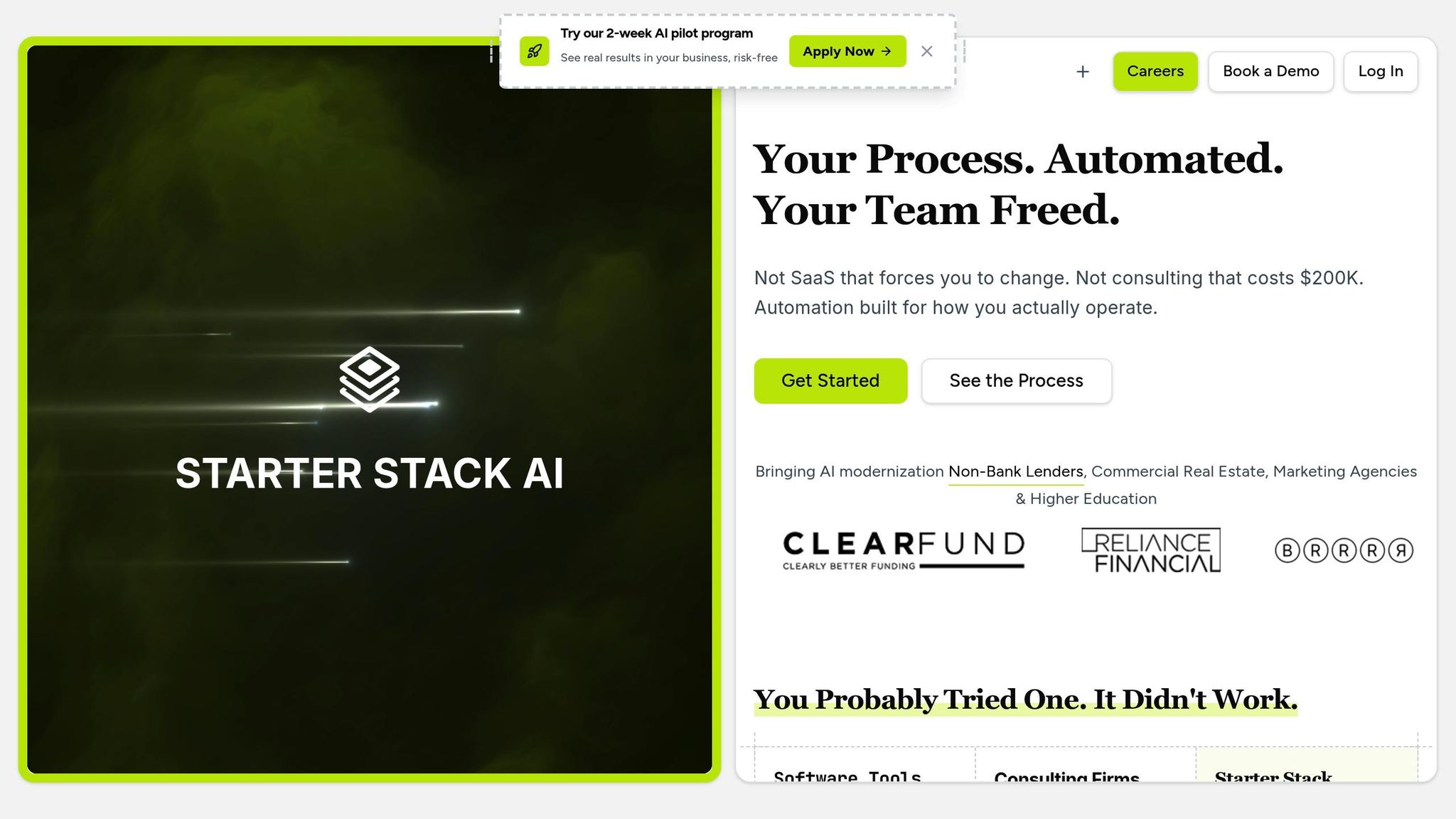
- Fast Setup: Fully deployed in days, not months.
- Easy Integration: Works with tools like Salesforce, QuickBooks, and Excel.
- Flat Pricing: Clear costs, no hidden fees.
- Full Visibility: Client portal for progress tracking and communication.
How to Get Started:
- Assess Readiness: Ensure your systems, data, and team are prepared.
- Identify Use Cases: Focus on workflows with decision points and varying inputs.
- Set Goals: Define measurable outcomes like faster processing or fewer errors.
Deployment Steps:
- Choose a Model: Self-managed (more control) or managed (faster results).
- Integrate Systems: Connect AI agents to your existing tools via APIs.
- Test and Scale: Run pilots, refine performance, and expand gradually.
By following these steps and addressing challenges like legacy systems or user adoption, you can deploy AI agents effectively and see real business results.
Deploy AI Agents in Minutes: Step-by-Step Guide with Free Template
Prerequisites and Planning
Before diving into AI agent deployment, it's essential to evaluate your readiness, pinpoint areas where AI can make the biggest difference, and establish clear, measurable goals.
Assessing Your Organization's Readiness
Successful AI deployment depends on three key factors: infrastructure, data quality, and team preparedness.
Start by examining your technology infrastructure. Make sure your systems - like CRM, ERP, databases, or cloud platforms - can handle API integrations and have the bandwidth needed to support AI tools. Identifying potential bottlenecks early can save you from costly delays later on.
Next, focus on your data. While perfection isn't necessary, the quality and accessibility of your data are critical. AI agents thrive on clean, well-structured information. Locate your most reliable data sources and ensure the agents can connect to them seamlessly.
Equally important is your team's readiness. Find internal advocates who understand your workflows and can provide insights into how AI might improve day-to-day operations. These individuals don’t need to be AI experts; representatives from each affected department can be invaluable in ensuring a smooth deployment.
Once you've assessed these areas, you’ll be ready to pinpoint where AI agents can deliver the most value.
Identifying High-Impact Use Cases
AI agents are most effective when they transform entire workflows rather than automating isolated tasks. Look for processes that involve multiple decision points and varying inputs [1]. These are often recurring tasks that require complex decision-making.
For instance, in finance, AI agents can revolutionize invoice processing and approval workflows. This might include validating vendor details, matching purchase orders, applying approval hierarchies, and managing exceptions. While each invoice may differ, the underlying logic remains consistent.
Operations teams can use AI agents to simplify customer onboarding by gathering necessary documentation, verifying compliance, updating systems, and triggering next steps based on customer type. Similarly, in product development, AI agents can manage feature request workflows - collecting feedback, categorizing it, consulting existing roadmaps, and routing requests based on priority and complexity.
Reserve AI for processes that demand nuanced decision-making. If a process follows the same steps with little variation, traditional automation tools might be a better choice.
Gartner projects that by 2028, 33% of enterprise software applications will incorporate agentic AI, up from just 1% in 2024 [5]. This trend highlights the growing importance of AI in handling complex, decision-driven workflows.
Setting Measurable Goals
Define clear metrics tied to business outcomes [2]. Instead of vague goals like "improve efficiency", focus on tangible, trackable results.
For example, measure the time it takes to complete a process from start to finish, monitor error rates, and calculate cost savings from reduced labor. If your invoice approval process currently takes several days, you might aim to cut that time in half post-deployment.
Accuracy and quality are just as important. Speeding up a process is meaningless if it leads to more errors. For instance, if your customer onboarding process has a high error rate, set a goal to reduce mistakes while also accelerating the workflow.
Cost savings should account for both direct and indirect benefits. Factor in the time employees spend on manual tasks, the cost of fixing errors, and any delays that impact downstream processes. This analysis can help you build a strong case for investing in AI.
Finally, track user adoption and tool usage. Establish checkpoints - at 30, 60, and 90 days - to evaluate progress, make necessary adjustments, and demonstrate incremental improvements to stakeholders.
These well-defined goals will serve as a roadmap for testing and scaling your AI deployment.
Step-by-Step Deployment Process
Once you're ready and have outlined your goals, the deployment process unfolds in three key phases: selecting a model, integrating systems, and testing/scaling.
Choosing the Right Deployment Model
Your choice of deployment model can shape both your timeline and long-term outcomes. Generally, you’ll decide between two main options: self-managed deployments or managed deployments. The right fit depends on your resources and how quickly you need to see results.
| Aspect | Self-Managed | Managed |
|---|---|---|
| Setup Time | 2-4 weeks | 3-7 days |
| Internal Resources | High (dedicated team) | Low (minimal oversight) |
| Monthly Cost | $5,000 | $9,000 |
| Technical Control | Full control | Guided control |
| Ongoing Maintenance | Your responsibility | Provider handles |
| Feature Velocity | 1-2 features per week | 3-5 features per week |
| Integration Support | Up to 3 integrations | Unlimited integrations |
| Best For | Teams with strong technical capacity | Organizations prioritizing speed and support |
If you have a capable technical team and want complete control, a self-managed deployment is the way to go. This approach gives you flexibility but requires handling setup, maintenance, and troubleshooting yourself. On the other hand, managed deployments are ideal if you're looking to move quickly and prefer expert support. Here, the provider takes care of the heavy lifting, so you can concentrate on achieving your business objectives. Ultimately, the decision hinges on whether control or speed matters more to your organization.
Once you've picked your deployment model, the next step is to ensure your AI agents integrate smoothly with your existing systems.
Integrating with Existing Systems
For your AI agents to deliver results, they must work seamlessly within your current tech ecosystem. Many organizations rely on a mix of tools - like CRM platforms, financial software, data warehouses, and custom applications - all of which need to sync without friction.
For instance, integrating with a CRM like Salesforce allows AI agents to access customer data, update records, and automate workflows triggered by customer interactions. In financial operations, connecting with tools like QuickBooks enables tasks such as invoice processing and expense categorization. This is achieved through secure API access and proper authentication protocols. Meanwhile, linking to a data warehouse like Snowflake gives AI agents access to historical data, helping them make informed, data-backed decisions. If your setup includes proprietary or specialized software, custom APIs can act as a bridge to ensure smooth communication between systems.
Start with read-only access to confirm data flow and functionality. Once everything checks out, enable write permissions to allow full operation. This phased approach reduces risks and helps build trust in the AI agents' capabilities.
"I didn't have to change a single tool. Everything just... worked." – Ops Director, Lending Company
With integration complete, the next step is to validate performance through rigorous testing before scaling up.
Testing, Validation, and Scaling
Testing is where you ensure your deployment is reliable and delivers real value. Start with a pilot program in a controlled environment - focusing on one department or workflow. This allows you to identify and fix issues without disrupting broader operations.
During the pilot, compare the AI agent's decisions to those made by human experts across various scenarios. For example, if the agent is tasked with invoice categorization or spotting discrepancies, review its results closely to confirm accuracy and consistency.
Track key metrics like response times, error rates, and system stability. Set up alerts for any issues, and always have rollback procedures ready as a safety net. At the same time, gather feedback from users to understand how the AI agents impact their daily workflows and identify areas for improvement.
Once the pilot proves successful, expand the deployment gradually. Roll out to additional workflows or departments, following the same rigorous testing protocols to maintain quality and trust. Keep an eye on progress by measuring results against the goals you set earlier. Document what works and what doesn’t to refine future deployments. As the AI agents take on more tasks, make sure your infrastructure scales effectively through capacity planning and optimized integrations.
sbb-itb-f5716fb
Common Deployment Challenges
Even with meticulous preparation, deploying AI agents often encounters obstacles that can derail timelines and affect outcomes. Recognizing these challenges early helps you prepare solutions and keep your project moving forward.
Technical Integration with Legacy Systems
One of the biggest technical hurdles is integrating with legacy systems. These older platforms often lack modern APIs, use outdated data formats, or operate on architectures that don’t align with AI agents.
To tackle this, start by mapping out all the systems your AI agents need to interact with. Identify which systems already have APIs and which ones will need custom solutions. For systems without APIs, middleware tools can act as translators between the old and new technologies. Options like database connectors, file-based integrations, and even screen-scraping tools can serve as temporary fixes while you work on long-term modernization.
Data format mismatches are another common issue. For example, if a legacy system outputs data in CSV but your AI agent requires JSON, you’ll need to add a transformation layer. This could involve building custom parsers or using data integration tools that automatically handle multiple formats.
Focus on establishing the most critical connections first. Taking this phased approach reduces complexity and allows you to troubleshoot issues without delaying the entire deployment.
While solving integration issues is crucial, safeguarding data integrity and privacy is just as important.
Data Privacy and Compliance
In regulated industries like healthcare, finance, and legal services, meeting compliance requirements is essential for a successful AI agent deployment. The challenge extends beyond adhering to current regulations - it’s about designing systems that can adapt to future changes.
For example, SOC 2 compliance demands strict controls over how customer data is accessed, processed, and stored. Your AI agents will need features like audit trails, encrypted data transmission, and role-based access controls. Logging systems should document every action the agent takes, when it happened, and who authorized it.
In healthcare, HIPAA compliance adds another layer of complexity. AI agents handling patient data must operate in secure environments with limited access, encrypted storage, and automatic data purging after defined retention periods. Any integration with electronic health records must adhere to minimum necessary standards and patient consent protocols.
To ensure compliance, build privacy controls into your AI agents from the start. Use encryption for data both at rest and in transit, implement robust access controls, and automate compliance reporting. Designing with these measures upfront can save significant time and resources compared to retrofitting them later.
For added assurance, consult with compliance experts during the design phase. They can help you navigate specific regulations for your industry and jurisdiction, ensuring your AI agents meet all necessary standards before launch.
Beyond technical and regulatory challenges, securing user buy-in is key to a successful deployment.
User Adoption and Change Management
Even the most technically sound AI agents won’t succeed if your team doesn’t use them. Resistance is common, especially when employees worry about job security or feel overwhelmed by new technology.
To address these concerns, communicate your deployment plans early and clearly. Explain how the AI agents will help employees focus on higher-value tasks rather than replacing them. Share specific examples of how the agents will handle routine work, freeing up time for more strategic activities.
Involve employees in the planning process and provide opportunities for feedback. Ask department leaders and key users about their biggest challenges. When people see that their input is shaping the solution, they’re more likely to embrace it.
Offer hands-on training and resources. Create sessions where users can safely explore the AI agents’ capabilities. Provide quick reference guides and video tutorials for on-demand help. Designate power users - team members who receive advanced training and can offer peer-to-peer support when questions arise.
Expect a learning curve of about 2-4 weeks for most users to get comfortable with the new system. During this time, provide extra support and be ready to adjust based on feedback. The goal is to make the AI agents feel like helpful assistants, not intimidating obstacles.
To measure success, track metrics like login frequency, task completion rates, and user satisfaction scores. These indicators will show whether your change management efforts are working and highlight areas that may need additional attention.
Best Practices for Production Results
Once your AI agents are live and actively handling tasks, the challenge shifts to keeping them running smoothly and delivering meaningful results. To achieve this, you'll need to focus on constant monitoring, fine-tuning, and planning for future scalability.
Monitoring and Performance Tracking
Keeping a close eye on your AI agents is crucial to ensure reliable and efficient performance. It's not just about tracking basic metrics - you need to dive deeper, analyzing decision-making patterns and behavioral trends to truly understand their functionality [3].
Continuous monitoring is key to identifying potential issues, such as performance drops or unexpected errors, as they happen [3][5]. This means keeping tabs on everything: agent activity, decision processes, tool usage, inputs, outputs, and any errors that arise [3][4][5]. The goal is to not only track what your agents are doing but also uncover why they make certain decisions.
Unified dashboards can be a game-changer here. By displaying real-time metrics like task completion rates, error frequencies, processing times, decision accuracy, and user satisfaction, you gain a clear picture of your agents' performance, quality, and resource usage [3].
To maintain high standards, regularly test live traffic using datasets that include successful cases, edge cases, and failures [3][4]. Establish health scores and set thresholds to ensure safe and efficient updates before rolling them out.
As new data and business needs emerge, your AI agents must adapt. Regular performance reviews will help you spot trends and uncover areas for improvement, ensuring your systems stay effective and aligned with your goals.
With these monitoring practices in place, you'll have the insights needed to optimize your AI operations.
Using Starter Stack AI's Client Portal
Starter Stack AI's client portal simplifies the process of managing your AI systems. It offers a centralized platform where you can track activities, milestones, files, and releases in real time. This eliminates guesswork and provides a clear view of your AI's progress, helping you make informed decisions about scaling and updates.
The portal also serves as a hub for collaboration, offering direct communication with your development team. Additionally, it provides access to essential resources like documentation, training materials, and troubleshooting guides.
Scalability and Code Ownership
Beyond monitoring, long-term success depends on building scalable systems and maintaining clear ownership of your intellectual property. By retaining full ownership of your code, you avoid being tied to a specific vendor, giving you the flexibility to scale, adapt to new use cases, integrate with other systems, and improve performance on your terms.
From the outset, design your systems with scalability in mind. Document configurations, integrations, and optimizations to make onboarding and troubleshooting easier down the line. Use feedback and initial results to shape a strategic roadmap for future automation priorities.
Finally, make it a habit to conduct regular code reviews and security audits. These steps help maintain system integrity and ensure smooth performance, especially after major updates.
Conclusion
Deploying AI agents successfully hinges on careful planning, seamless execution, and ongoing refinement. This guide has outlined the key steps that differentiate effective AI implementations from those that miss the mark.
It all begins with thorough preparation. By assessing readiness, pinpointing high-impact use cases, and setting clear objectives, organizations lay the groundwork for meaningful results. This initial focus ensures a smoother path to deployment and maximizes returns.
The next critical phase is effective deployment. This involves selecting the right model, integrating it seamlessly with existing systems, and conducting rigorous testing. These steps are essential to ensure AI agents enhance workflows rather than introduce new challenges.
But the work doesn’t stop there. Continuous optimization is what drives long-term success. AI agents require regular monitoring, performance tracking, and adjustments to stay effective. Organizations that treat AI as an evolving process - rather than a one-and-done effort - consistently see better returns on their investment. It’s this commitment to ongoing improvement that ensures sustained impact.
Starter Stack AI accelerates this journey by delivering operational AI agents in just days, not months. Their client portal provides full transparency into AI operations and fosters collaboration focused on achieving real business outcomes. Whether it’s automating 80% of client onboarding tasks or reducing deal review times from six days to one, Starter Stack AI combines deep expertise with a proven deployment approach to position your organization for scalable success.
The future belongs to those who make AI a core part of their operations. With the right strategy and the right partner, that future can start today.
FAQs
How can I prepare my organization for deploying AI agents effectively?
To effectively deploy AI agents, it's crucial to prepare your organization in a few critical areas:
- Data Preparedness: Ensure your data is organized, current, and secure. It should be accessible in real-time and structured to allow continuous updates and improvements based on feedback.
- Infrastructure: Verify that your systems can manage the computational requirements of AI agents while supporting easy integration with existing tools and APIs.
- Security: Put robust access controls and data protection measures in place to safeguard sensitive information from potential threats.
By addressing these areas, your organization can set the stage for a smooth AI deployment and sustainable success.
Which is better for my business: a self-managed or managed deployment model for AI agents?
Choosing between a self-managed and a managed deployment model boils down to your team’s resources, technical know-how, and overall business objectives.
With a self-managed model, you’re in the driver’s seat. This option gives you complete control over the deployment process, making it a solid choice for businesses that have skilled technical teams ready to handle setup, maintenance, and updates. While it offers plenty of flexibility, be prepared to invest time, infrastructure, and expertise to make it work smoothly.
If you’re looking for a simpler path, a managed deployment model might be the better fit. Here, the service provider takes care of most of the technical heavy lifting - setup, maintenance, and updates - so your team can concentrate on using AI insights to drive results instead of worrying about the backend.
When deciding, think about your team size, budget, and technical capabilities to determine which approach aligns best with your goals.
How can I overcome resistance and encourage my team to adopt AI agents effectively?
To help your team embrace AI agents successfully, start with a gradual introduction. Focus on one specific workflow that’s easy to manage and delivers obvious benefits. Keep things simple by offering clear, step-by-step instructions so your team knows exactly how to use the AI tools and feels confident in their abilities.
Get your team involved early by asking for their feedback throughout the process. Use their insights to fine-tune the AI agents, making them easier to use and better suited to their tasks. This collaborative effort not only makes the technology more practical but also helps your team feel more invested and comfortable with it. Celebrating small victories along the way can build momentum and ease any concerns about the transition.